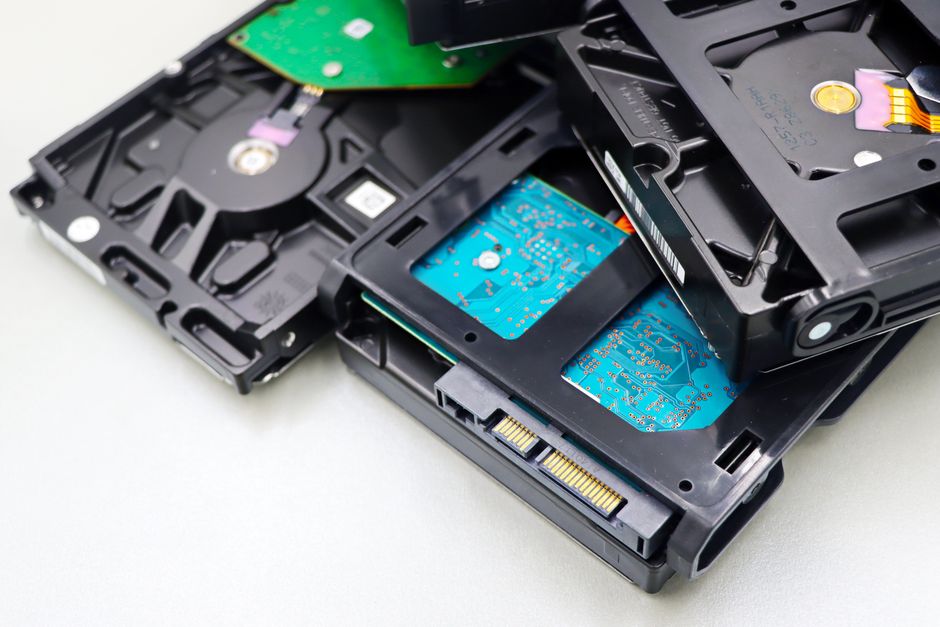
Gunra ransomware is a practical warning for early-stage startups: limited cash does not remove the need for basic recovery controls. The sensible response is to protect the systems that keep the company alive, verify that backups can restore them, and decide who can isolate compromised accounts and devices before an incident.
In 1970, Apollo 13 was losing electrical power on its journey to the Moon. After an oxygen tank exploded, flight director Gene Kranz and teams in Houston had to preserve enough power and other resources to bring the crew home. The outcome remained uncertain, and the original mission plan no longer applied.
NASA’s account of the mission documents how controllers shut down the command module and treated every remaining resource as part of a survival budget. They concentrated on the functions required for a safe return. Everything else became secondary.
A startup facing ransomware works at a far smaller scale, but the resource problem has the same shape. Money, staff time and technical attention are limited. The company cannot protect every system equally, so it needs to identify the few systems whose loss would stop customer service, billing, payroll or product delivery.
Treat the Gunra warning as an operating risk
The NSA has listed joint guidance with the FBI and other partners for defending organizations against Gunra ransomware. That establishes a useful starting point: Gunra deserves a documented defensive response, rather than a rushed reaction to a frightening name.
Public guidance can change as investigators learn more. Founders should separate three categories when assessing the threat:
- Confirmed reporting from named authorities and security researchers.
- Analysis about how the reported activity could affect the company.
- Findings from the company’s own systems, logs, backups and access records.
That separation matters. A startup can waste scarce engineering time by treating every unverified claim as an immediate indicator of compromise. It can also lose days by dismissing a warning because no employee has noticed unusual behavior.
Begin with exposure. Which internet-facing services exist? Who has administrator access? Where are customer records stored? Which credentials could open several systems at once? These questions produce a more useful plan than assigning a vague instruction to “improve security.”
Spend the first security dollars on recovery
A small security budget forces choices. Those choices should follow business impact.
List the systems required to operate for one working week. Include the production environment, source control, identity provider, customer support records, billing data and the documents needed to pay staff. For each one, name an owner and record how the company would restore access or data after encryption, deletion or account takeover.
Backups deserve particular scrutiny. A dashboard showing successful backup jobs proves that copies were created. It does not prove that the company can restore them under pressure. Test a restore into an isolated environment, record how long it takes, and note which credentials or people the process depends on.
Keep at least one recovery path beyond the reach of ordinary administrator accounts. If the same identity can alter production, delete backups and change recovery settings, one stolen account can collapse several safeguards at once.
Then reduce unnecessary privilege. Founders and early employees often accumulate permanent access as the company grows. Review who can reach production, billing, cloud administration and source control. Remove dormant accounts. Require stronger authentication for sensitive systems. Keep routine work separate from administrative work where the tools allow it.
This is also the logic behind asking what must be verified before approving a production fix. Urgency increases the value of a short, pre-agreed verification process.
Write the first hour down
Ransomware response becomes harder when nobody knows who can make decisions. A five-person startup still needs named authority.
Write a one-page first-hour plan. It should identify who can isolate an affected device or account, who preserves logs and other evidence, who contacts external technical or legal support, and who decides whether customer communication is required. Store a protected copy somewhere the compromised environment cannot block.
Include contact details for critical providers and insurers where applicable, but do not place live passwords or recovery tokens in the document. Record where approved credentials are held and who can retrieve them.
Run a short tabletop exercise. Use a plain scenario: a team member cannot open shared files, an administrator account shows unexpected activity, and the production environment may be affected. Ask what happens during the next 15 minutes. The exercise will expose missing phone numbers, unclear authority and recovery assumptions without purchasing another security product.
Avoid treating a green monitoring screen as proof that credentials remain safe. A system can continue operating while an attacker holds valid access. The same distinction appears in what to do when a dashboard is green but cloud credentials were exposed.
Build the survival configuration now
Apollo 13’s controllers did not have unlimited power, time or equipment. They identified the configuration needed to get three astronauts home, tested procedures on the ground and passed precise steps to the crew.
For a startup, the equivalent is a recoverable operating configuration. Know which systems must survive. Keep tested copies of essential data. Limit the accounts that can destroy those copies. Give specific people authority to contain an incident.
Start this week with one restore test and one access review. Record what fails, assign an owner and repeat the test after the fix. That work produces evidence the company can use. Another security subscription, purchased without a recovery plan, may produce only another dashboard.
Comments
No comments yet.